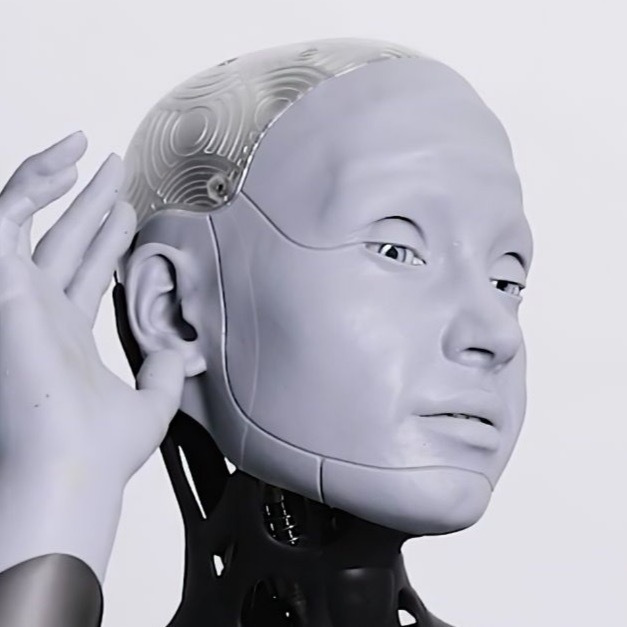
Instructions on how to use the command !artify
How to Use the !artify Command:
Ameca’s !artify command allows you to transform your media (images, videos, or GIFs) by applying various artistic effects known as "mods".
1. Available Mod Types
Ameca supports a wide range of mod types that apply different effects to your media.
Here are some popular mod types:
abstract
cartoon
glitch
blur
neon
warp
pixelate
matrix
fire
reflection
These mods will apply various effects such as making your image look like a cartoon, adding a glitch effect, applying neon lights, and more!
2. How to Use the !artify Command
To use the !artify function, follow these steps:
1: Prepare to send a media message (image, video, or GIF) to the bot-chat.
2: Include the desired mod type in the message caption or body.
Example: !artify cartoon (turns your media into a cartoon-style version)
You can choose any valid mod type from the list at the bottom of this page.
The command must be followed by the mod type you want to use.